Back to apps
File & MediaLive · v0.1.0
Image to PDF Converter
Turn multiple images into one clean PDF, privately in your browser.
Free to useWebPrivacy-first
Overview
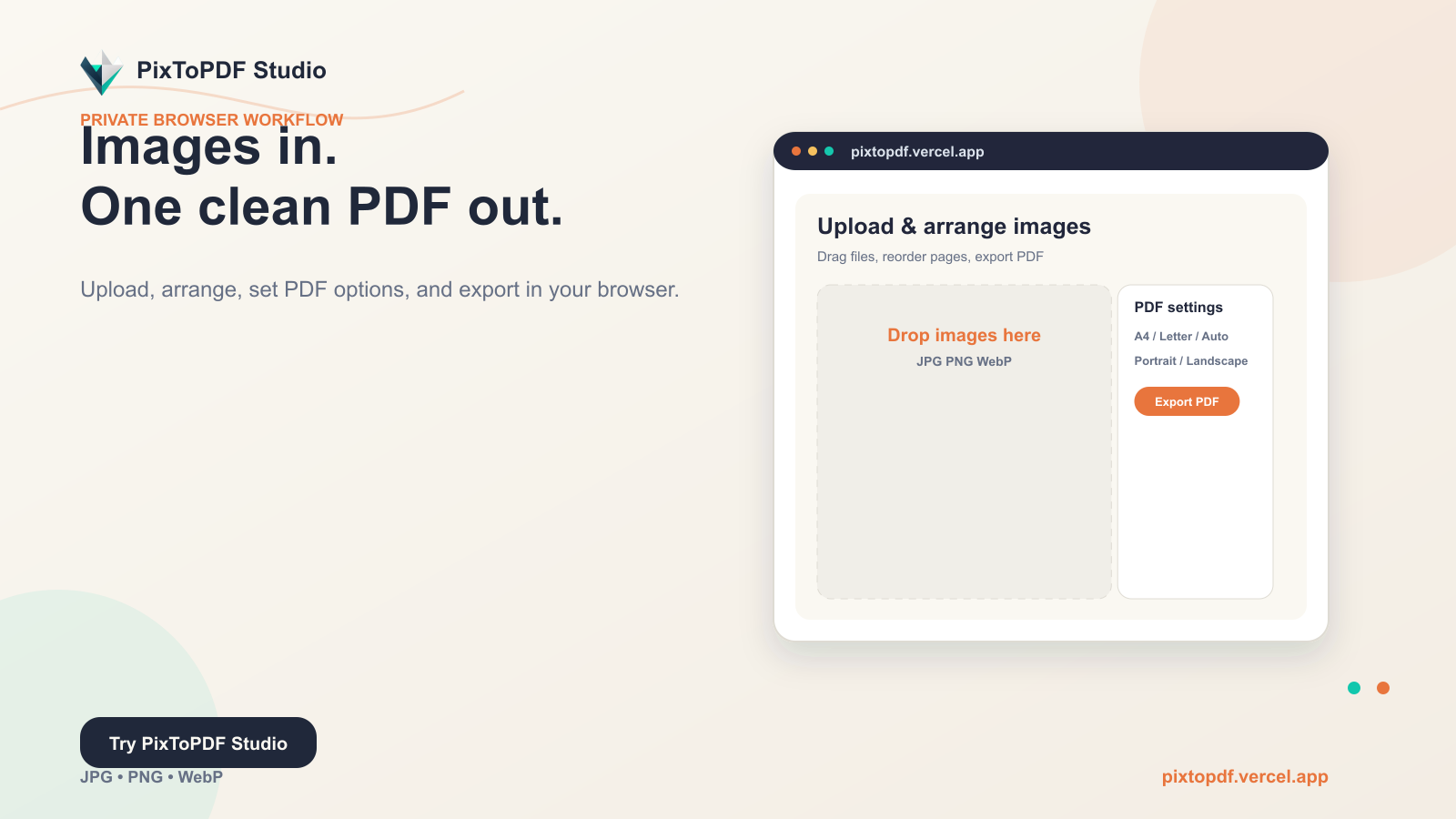
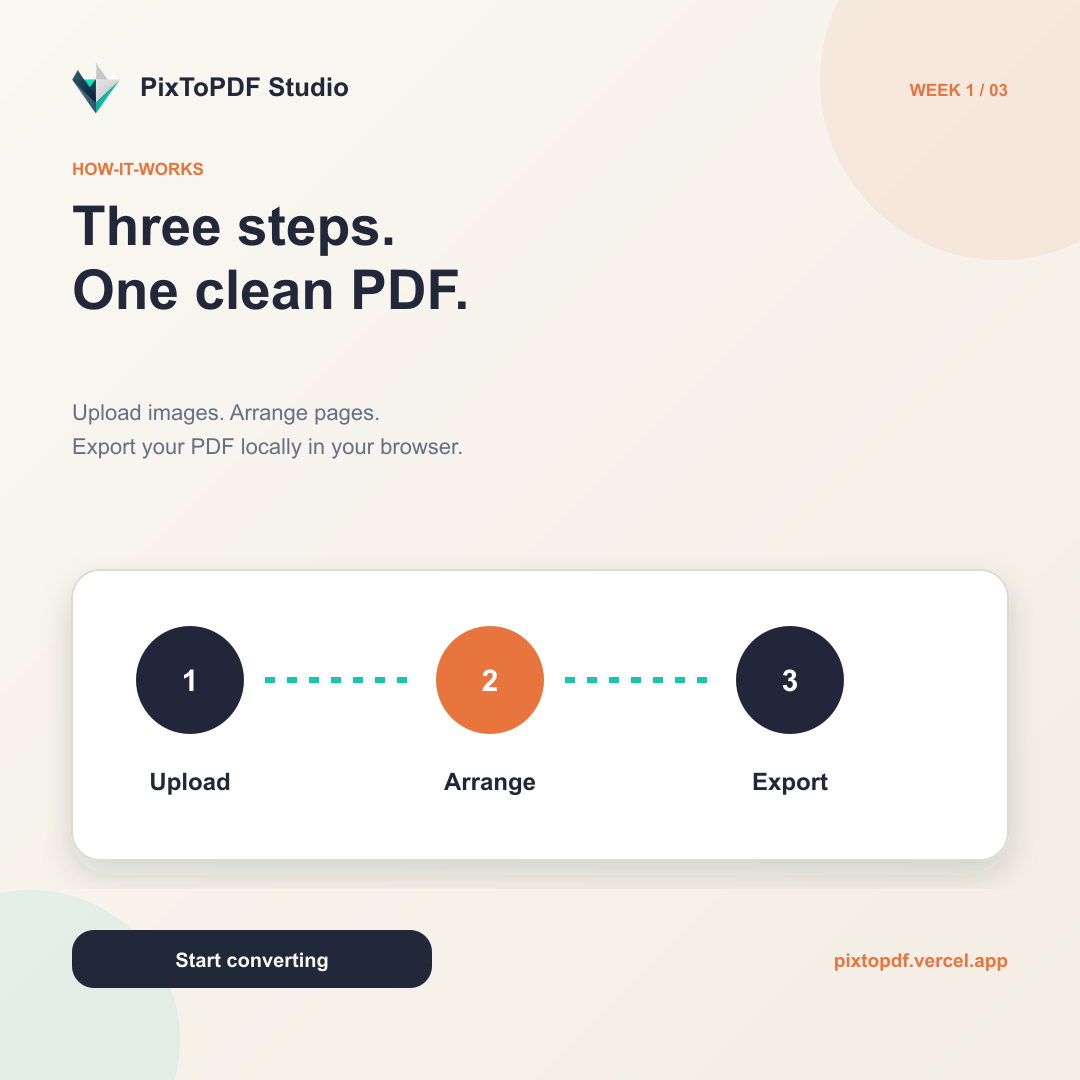
PixToPDF Studio is a browser-based image to PDF conversion application. Users can upload multiple images, organize page order by drag and drop, rotate images, select paper size, orientation, margins, adjustment mode, and compression before downloading a single PDF file. The entire process is performed locally on the user's device.
Capabilities
Convert JPG, PNG, WebP, HEIC and HEIF to PDF
Upload multiple images at once
Drag and drop to arrange page order
Rotate the image before export
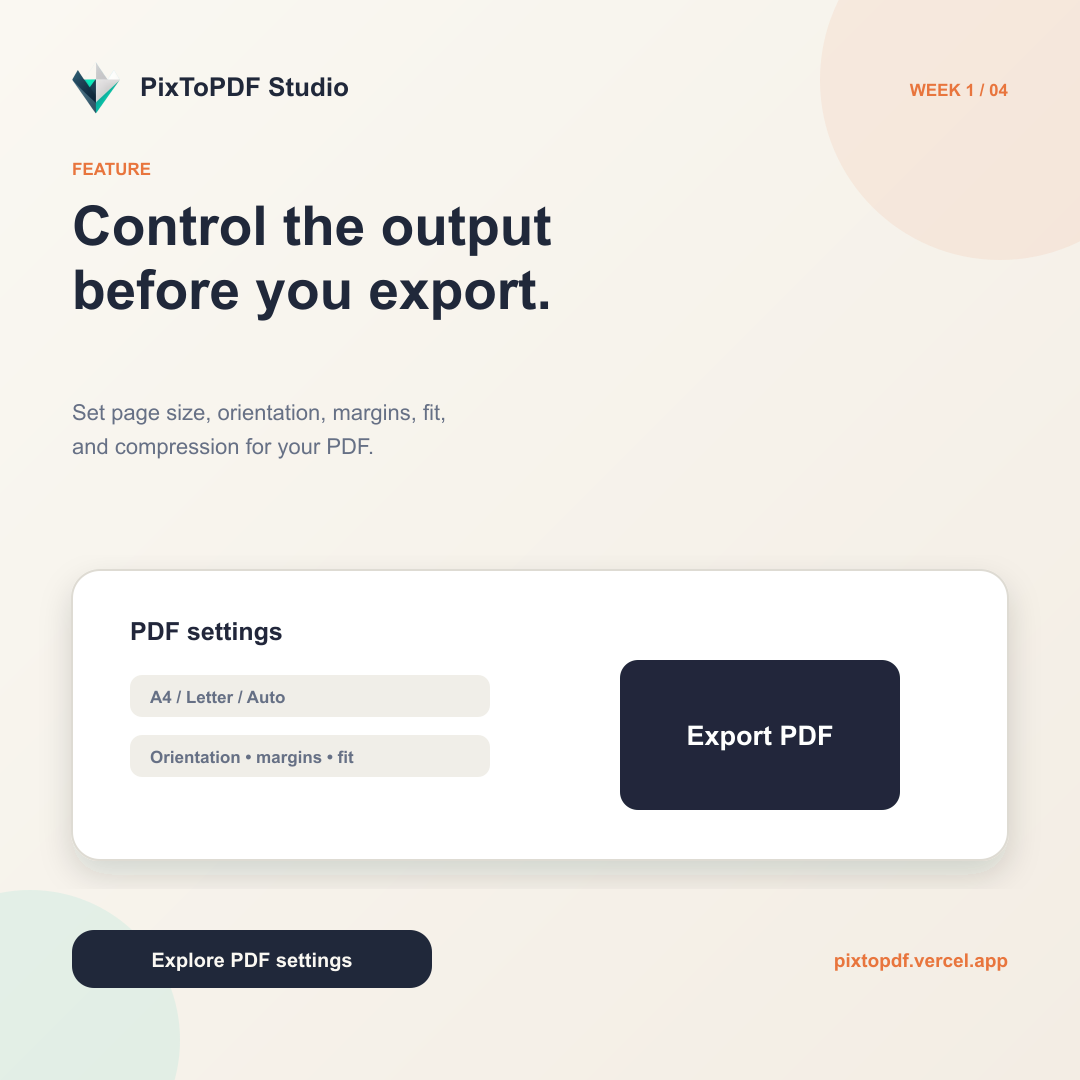
A4, Letter and Auto size options
Orientation, margin, fit mode, and compression settings
Export PDF directly in the browser
No watermark and no file upload to the server
PWA support and offline use
Use cases
01
Combine photos into one PDF document
02
Convert scanned documents to PDF
03
Prepare documents for printing
04
Send multiple images as one file
05
Convert images privately without cloud services
Product interface
Inside Image to PDF Converter.
More from the ecosystem