Back to apps
File & MediaLive · v1.0.2
PDF to Image Converter
Convert PDF pages to PNG, JPG, or WebP privately in your browser.
Free to useWebPrivacy-first
Overview
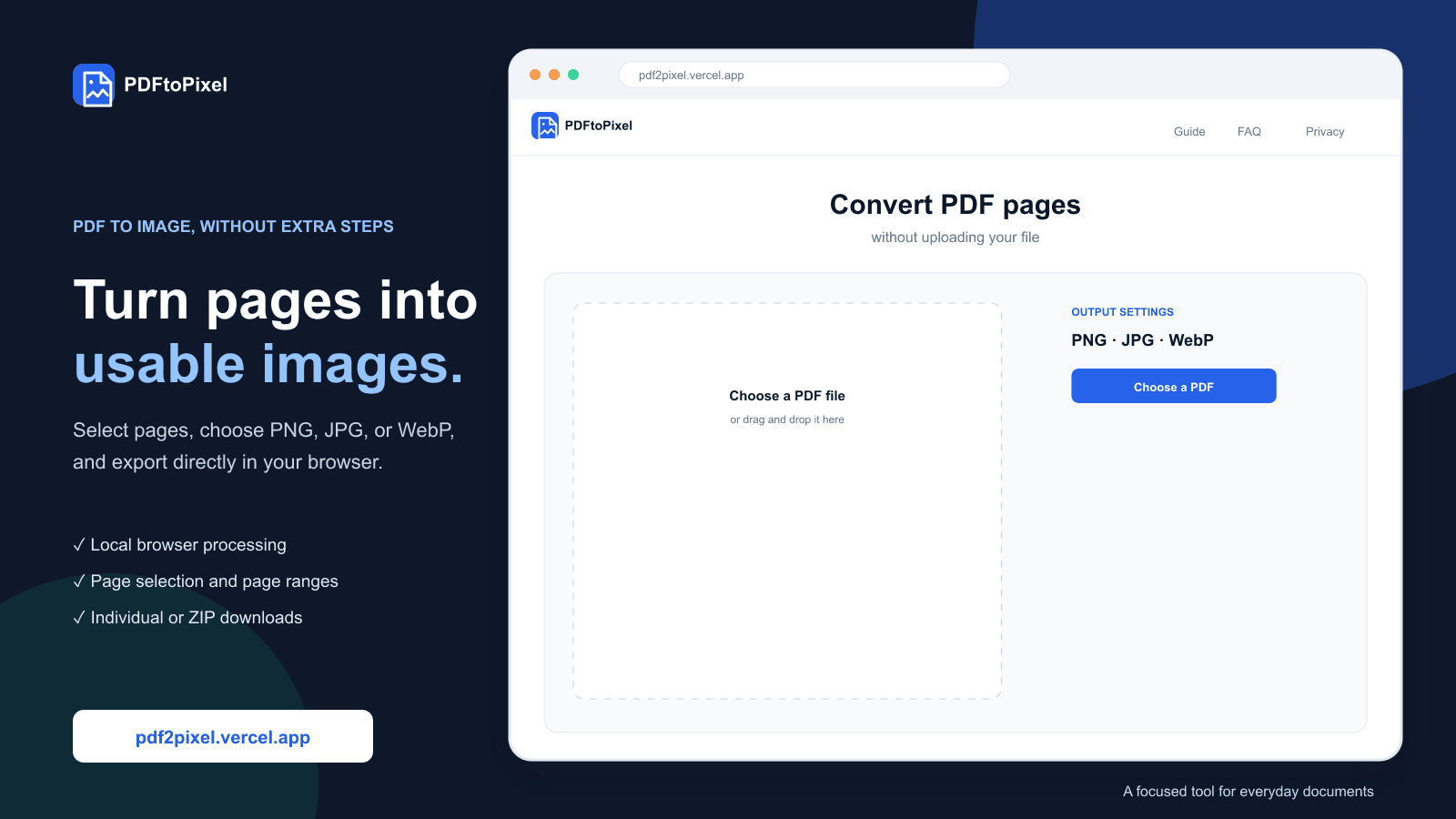
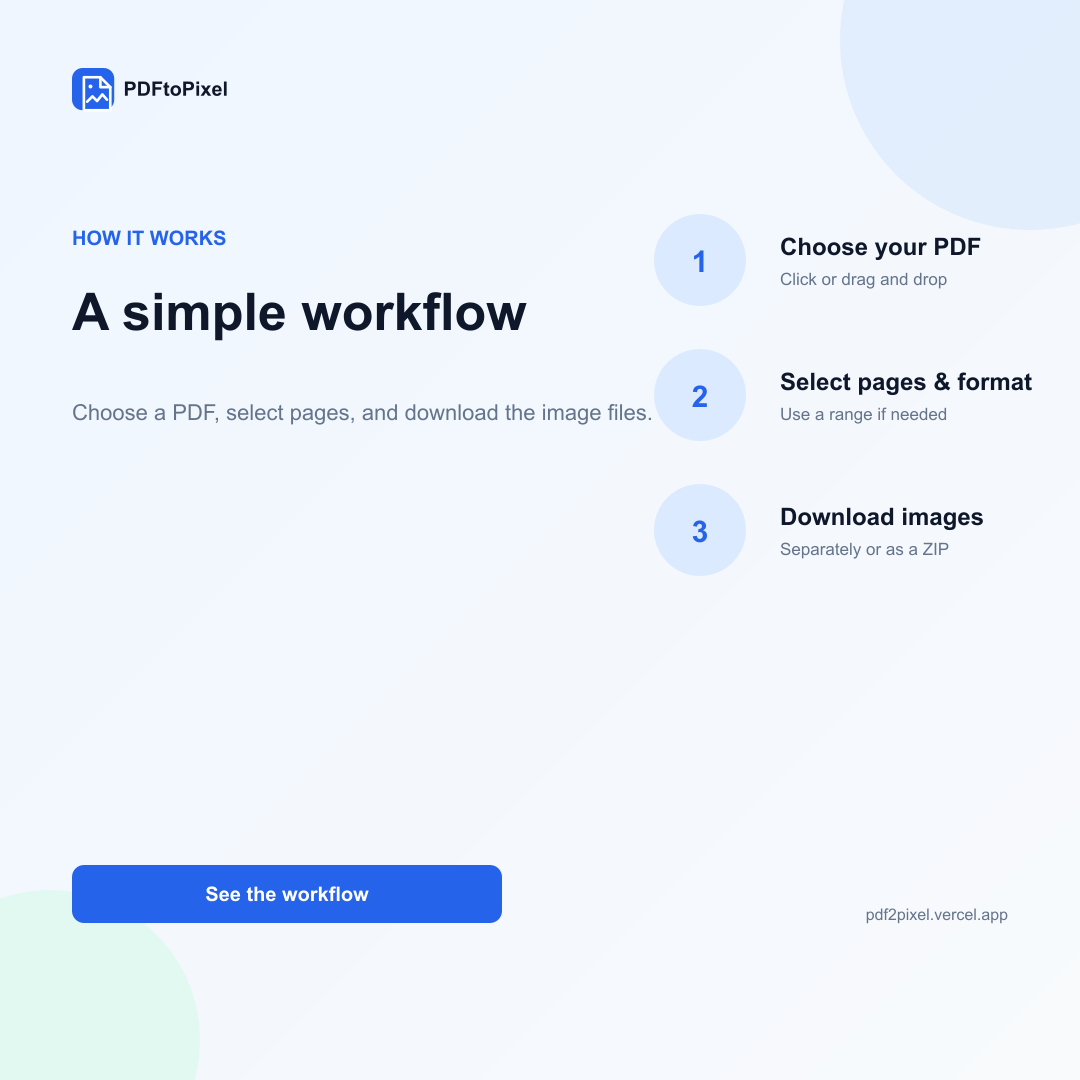
PDFtoPixel is a browser-based PDF to image converter. Users can select a specific page or range of pages, set the output format, resolution, quality, rotation, and JPG background, then download the images individually or as a ZIP. All processing is done locally using PDF.js and the Canvas API so the document remains on the user's device.
Capabilities
Convert PDF pages to PNG, JPG or WebP
PDF processing is completely local in the browser
Progressive page preview
Select individual pages or enter a page range
Password protected PDF support
Choice of 1x to 4x resolution
Quality settings, rotation, file name and JPG background
Download pages one by one, all at once, or as a ZIP
PWA support and offline use
Use cases
01
Turn PDF pages into images for websites and social media
02
Extract specific pages from a PDF document
03
Create document previews and thumbnails
04
Send PDF pages as image files
05
Convert sensitive documents without cloud services
Product interface
Inside PDF to Image Converter.
More from the ecosystem